
Cracked Display
Broken glass, black blotches, colored lines, or spreading damage makes part or all of the image unreadable.
Laptop Repair · Vancouver, WA
A cracked display, flickering image, missing keys, or unresponsive keyboard can make an otherwise useful laptop difficult to use. i-5 Computers identifies the affected part, checks related damage, and explains compatible repair options.

Display & Input Problems
Physical damage is often obvious, but a blank screen or dead keyboard can also come from a cable, setting, board, power, or software problem.
Broken glass, black blotches, colored lines, or spreading damage makes part or all of the image unreadable.
The screen is unusually dark, changes when the lid moves, flashes, or works only at certain angles.
The computer appears to power on but the built-in display shows no usable image.
Keycaps are damaged, loose, stuck, or no longer register reliably during typing.
Some rows or groups of keys stop responding, repeat unexpectedly, or type the wrong characters.
A spill, drop, or bent housing may have affected more than the visible screen or keyboard assembly.
Identify · Match · Replace
Exact parts can vary even within the same laptop family. Model, configuration, connector, resolution, keyboard layout, and part availability all matter.
Check whether the visible problem points to the screen panel, display cable, backlight, graphics path, hinge area, or another component.
Identify the laptop and relevant display specifications before recommending a replacement panel.
Remove the damaged panel, install the approved compatible replacement, and check the resulting image and fit.
Distinguish a damaged keyboard assembly from settings, software, cable, liquid, or board-level symptoms.
Replace the appropriate assembly when the design and available part make repair practical.
Check display output, brightness, lid movement, key response, and the related functions affected by the repair.
The Visible Symptom May Have Another Cause
External-monitor or USB-keyboard testing can provide clues, but correct part selection still depends on identifying the laptop and inspecting the failure.
Model-Specific Repair Planning
Bring the complete laptop and its power adapter so the exact model and symptoms can be reviewed.
Check the screen, keyboard, connections, housing, and related functions that may affect the repair.
Discuss compatible parts, availability, repair scope, and whether the repair makes practical sense.
Complete the approved work and check the repaired display or keyboard before pickup.
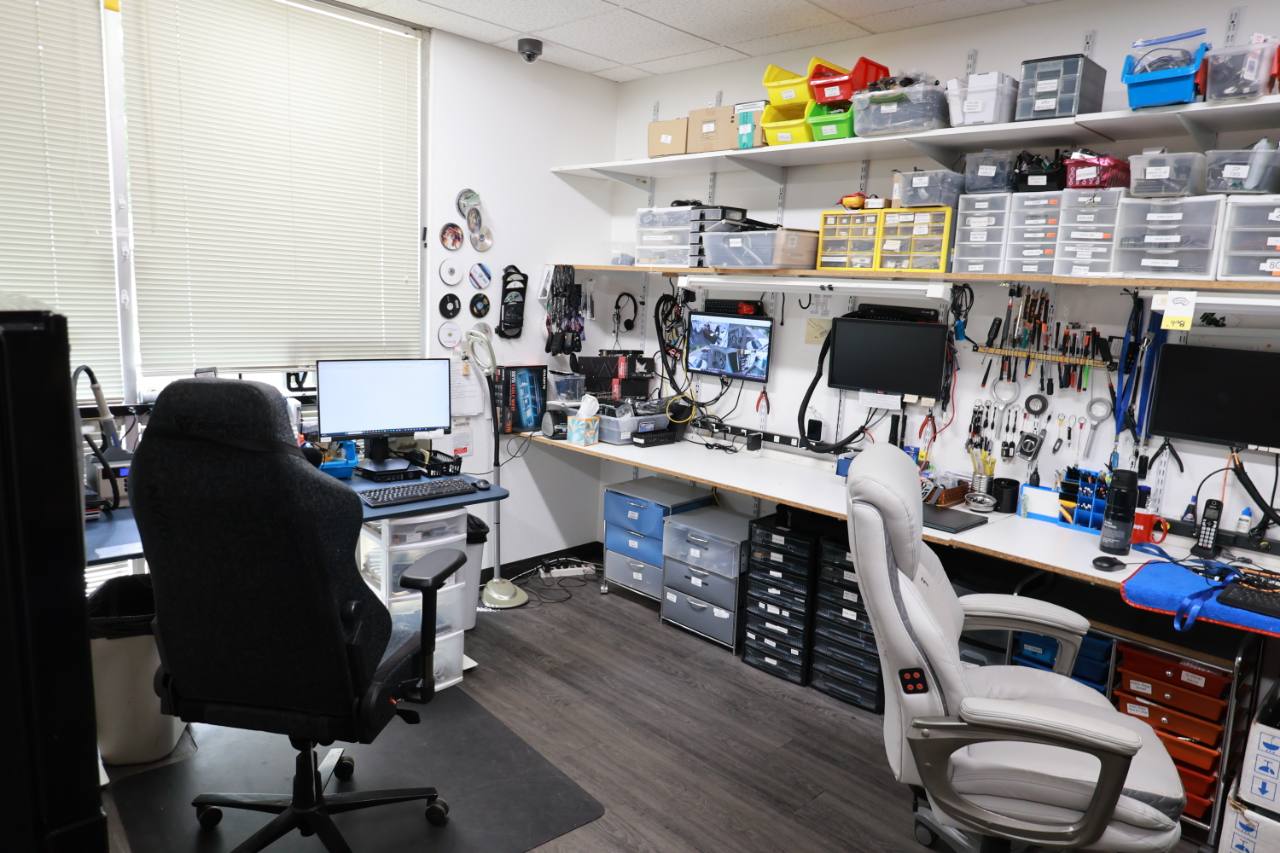
Local Laptop Help Since April 2009
At i-5 Computers, you work directly with an experienced local technician. Darren checks what is actually damaged, explains the available part and repair options, and helps you compare the work with the age and value of the laptop.
The shop serves Vancouver and nearby Clark County communities from its D Street location.
1801 D St #6, Vancouver, WA 98663Related Computer Services
Laptop Repair FAQs
A physically cracked LCD panel is generally replaced rather than repaired. An assessment helps confirm whether the panel is the only damaged part and identifies the compatible replacement.
It depends on the keyboard design and the type of damage. A loose keycap may differ from a damaged hinge, membrane, cable, or keyboard matrix. Some models require replacement of the full keyboard or top-case assembly.
That symptom can point to a display cable, connector, hinge-related stress, or the panel itself. Continued lid movement may worsen physical damage, so an inspection is useful.
These component replacements do not ordinarily require erasing the storage drive, but any computer can have unrelated storage risk. Keep a current backup when the files are accessible and mention important data before service.
Timing depends on diagnosis, the exact model, disassembly requirements, and part availability. i-5 Computers can discuss the expected process after identifying the device and compatible part.
Laptop Repair · Vancouver, WA
Bring the laptop and its power adapter. i-5 Computers can identify the problem, check related damage, and explain compatible repair options.