
Computer Repair
Local help for PCs, Macs, laptops, desktops, crashes, startup failures, overheating, and other everyday problems.
Computer RepairComputer Services · Vancouver, WA
From a laptop that will not start to a desktop that needs more speed, i-5 Computers helps Vancouver and Clark County customers understand the issue and choose a practical next step.
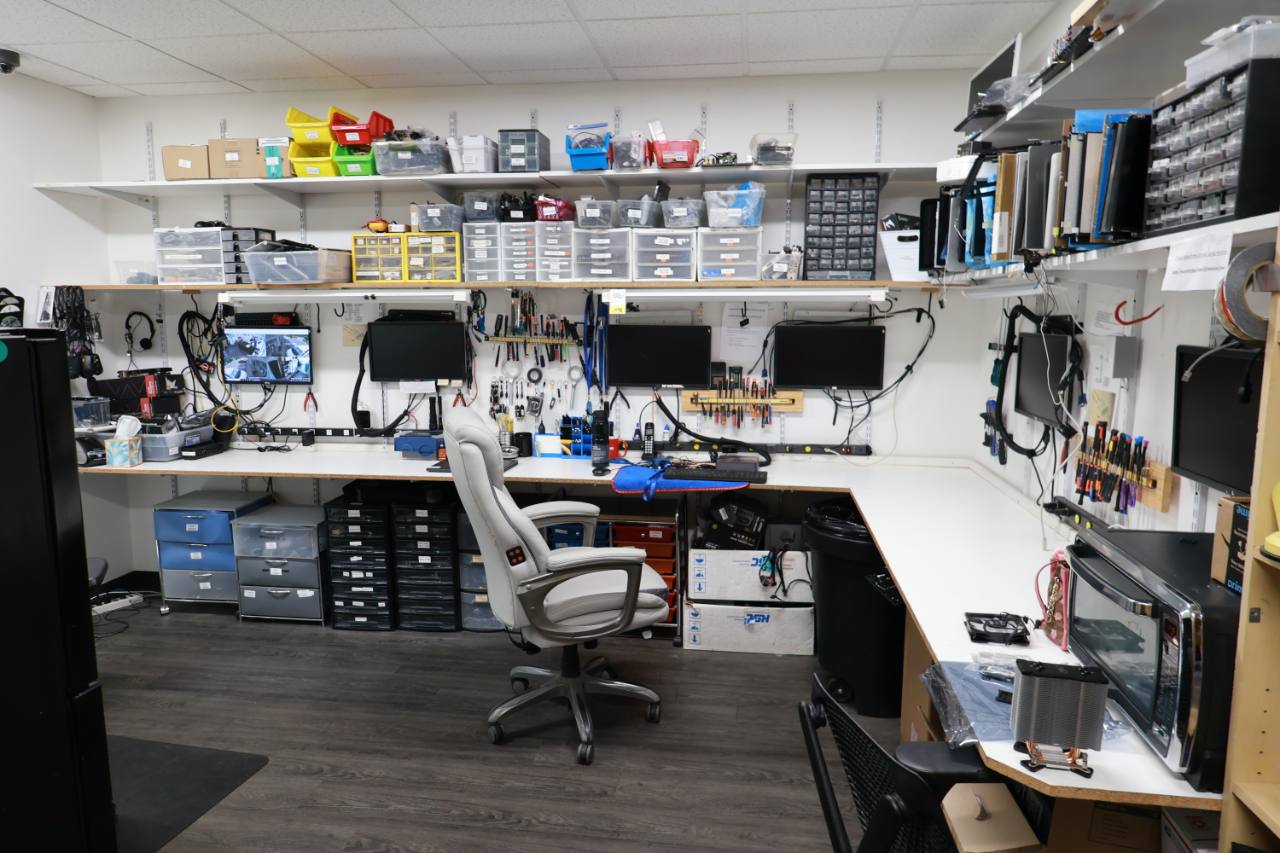
Repair · Recovery · Upgrades · Builds
Choose the service that best matches what you are seeing. If you are unsure, start with diagnostics and describe the symptoms in your own words.
Local help for PCs, Macs, laptops, desktops, crashes, startup failures, overheating, and other everyday problems.
Computer RepairTesting that separates symptoms from possible hardware, software, storage, thermal, and security causes.
Computer DiagnosticsDiagnosis and repair options for power, storage, memory, cooling, display, port, and component problems.
Hardware RepairCleanup for pop-ups, redirects, unwanted software, suspicious activity, and compromised browser settings.
Virus RemovalEvaluation and recovery options for deleted files, inaccessible storage, and drives showing signs of failure.
Data RecoveryWindows, macOS, and Linux installation, upgrade planning, driver setup, file migration, and troubleshooting.
OS InstallationAssessment and replacement options for cracked displays, dim screens, damaged keys, and unresponsive keyboards.
Laptop RepairTroubleshooting for Wi-Fi, Ethernet, routers, network printers, device connections, and unstable access.
Network HelpCompatible SSD, memory, graphics, storage, cooling, and other improvements chosen around your goals.
Computer UpgradesBalanced gaming PCs and workstations planned around workload, performance targets, style, and budget.
Custom PCsStart With What You Notice
A good repair recommendation begins with testing, because several different problems can produce the same symptom.
These possibilities are educational, not a diagnosis. The correct service depends on the device, its history, and the results of testing.
Simple & Transparent
You do not need to arrive with a technical diagnosis. Bring the device and explain what has changed.
Tell Darren what you notice, when it began, and whether anything changed beforehand.
The relevant hardware, software, storage, temperature, or connectivity paths are checked.
Learn what was found and which repair, upgrade, recovery, or replacement path makes sense.
Service proceeds after you understand the recommendation and decide how you want to move forward.
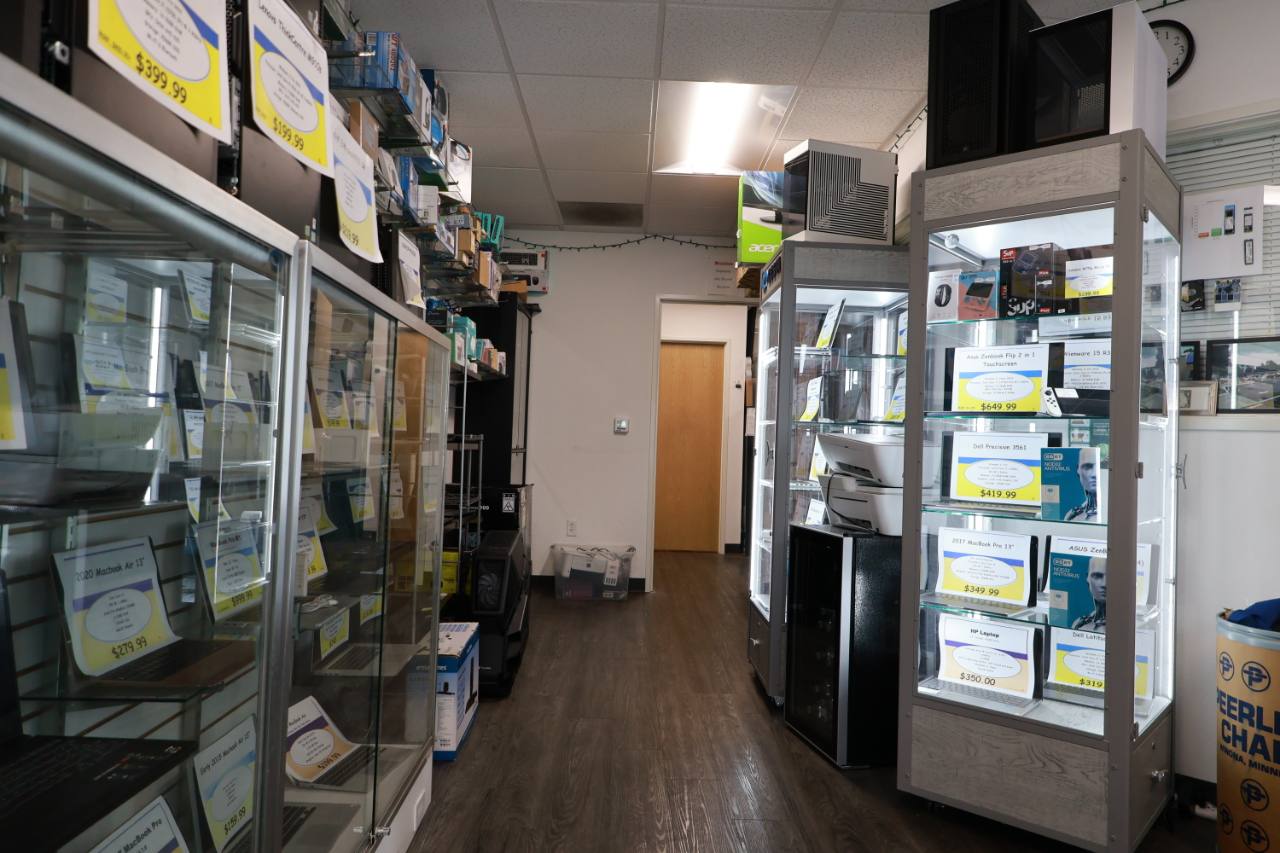
Local Computer Help Since April 2009
i-5 Computers is an owner-operated computer shop serving Vancouver and Clark County, Washington. Darren listens, tests the likely causes, and explains the options in plain English.
That straightforward approach helps customers decide whether a repair, targeted upgrade, data-focused service, or replacement is the better use of their budget.
Computer Service FAQs
i-5 Computers works with Windows PCs, Macs, laptops, desktops, gaming systems, and custom computers. Service options depend on the model, available parts, and the problem being investigated.
Bring the laptop power adapter and any accessory involved in the problem. Notes about error messages, recent changes, and the steps that reproduce the issue can make troubleshooting more efficient.
If the computer still works and the files are accessible, a current backup is a good precaution. If the drive is clicking, disappearing, or may be failing, stop using it and ask about data recovery before running more tests.
A diagnostic can clarify the likely cause, compatibility, part availability, and practical repair options. Darren explains the findings so you can compare repair or upgrade costs with the value of the computer.
No. Describe the symptoms and how the computer is used. If the cause is unclear, computer diagnostics are a sensible place to begin.
Computer Services · Vancouver, WA
Bring the symptoms, not the technical vocabulary. i-5 Computers can help identify the problem and explain the practical next steps.