
Freezing or Crashing
The computer locks up, restarts, shows a blue screen, or closes programs without a clear pattern.
Computer Diagnostics · Vancouver, WA
A slow, unstable, or nonworking computer can have several possible causes. i-5 Computers tests the system, separates symptoms from causes, and explains what was found so Clark County customers can choose the next step with confidence.
When the Cause Is Not Obvious
You do not need to know the technical name for the problem. Describe what you see, hear, and notice; those details help guide the right tests.
The computer locks up, restarts, shows a blue screen, or closes programs without a clear pattern.
Startup, web browsing, file access, or everyday programs take much longer than they used to.
The device will not start, stalls at a logo, loops into repair, or powers on without reaching the desktop.
Fans run hard, the case feels unusually hot, or the computer slows or shuts down during demanding work.
Browser redirects, unfamiliar programs, security alerts, or settings that change unexpectedly may need investigation.
Wi-Fi, USB devices, monitors, storage, or other peripherals disconnect, disappear, or work only sometimes.
One Symptom · Several Possibilities
Good troubleshooting compares the symptoms with hardware condition, software behavior, temperatures, and error history instead of guessing from one clue.
Possible causes are educational, not a diagnosis. The correct conclusion depends on the device, its history, and the results of testing.
A Broader Look at the System
Tests are chosen around the reported problem. Not every computer needs every test, and findings are explained before a repair recommendation is made.
Assess memory, storage, graphics, power, and other relevant components for errors or inconsistent behavior.
Review storage condition, boot behavior, file-system symptoms, and warning signs that may affect data.
Look for heat, fan, dust, airflow, or thermal-contact issues that can reduce speed or trigger shutdowns.
Investigate startup errors, corrupted files, update problems, driver conflicts, and unstable applications.
Check suspicious behavior for malicious software, intrusive browser add-ons, or unwanted background programs.
Review what is consuming processor, memory, storage, and startup resources when the computer feels slow.
Narrow connection issues to a cable, accessory, setting, driver, external device, port, or internal component.
Separate computer-side network problems from router, signal, configuration, and service-related issues.
Simple & Transparent
The purpose is not to sell a predetermined fix. It is to identify the evidence, explain the options, and help you decide what makes sense.
Share the symptoms, timing, recent updates or damage, error messages, and anything you have already tried.
Darren checks the behavior and tests the systems most likely to be connected to the problem.
You receive a clear explanation of the likely cause, relevant risks, and practical repair or upgrade paths.
No repair is assumed. You decide whether to proceed after the problem and available options are explained.
Local Answers From an Experienced Technician
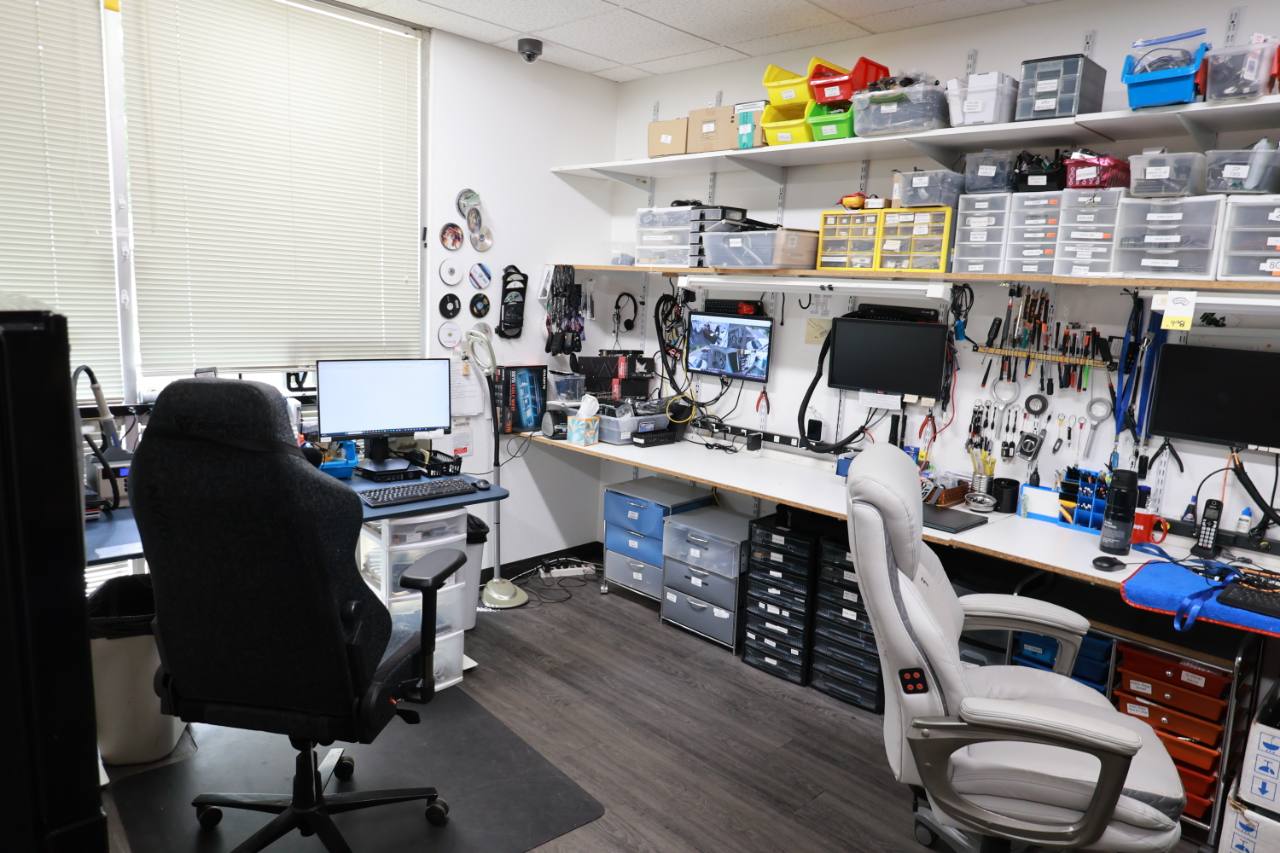
i-5 Computers is an owner-operated shop in Vancouver, Washington. Darren has served Vancouver and Clark County since April 2009, bringing 17 years of hands-on experience to computer problems that are obvious, intermittent, or difficult to reproduce.
The approach is straightforward: listen carefully, test the likely causes, explain the findings in plain English, and recommend the option that best fits the customer’s computer and priorities.
From Diagnosis to the Right Solution
Computer Diagnostic FAQs
The tests depend on the symptom. A diagnostic may examine relevant hardware, storage health, memory, temperatures, startup behavior, system files, drivers, software, security, ports, or connectivity. The goal is to gather enough evidence to explain the likely cause and next options.
Intermittent problems can take more context and testing, but details help. Note what you were doing, how long the computer had been running, any error text, sounds, temperatures, and what makes the problem appear or disappear.
Darren compares the symptoms with component tests, system behavior, error information, resource use, and security findings. Because these categories can imitate one another, conclusions should come from the combined evidence rather than one symptom.
Yes. After the diagnostic findings are reviewed, the problem and practical next steps are explained so you can decide whether a repair, upgrade, data-focused service, or replacement makes sense.
Bring the computer, its laptop power adapter if applicable, and any accessory involved in the problem. Write down error messages, when the issue began, recent changes, and the steps that reproduce it. Mention important data before testing begins.
Computer Diagnostics · Vancouver, WA
Tell Darren what your computer is doing. A focused diagnostic can clarify whether the next step is repair, cleanup, recovery, an upgrade, or replacement.