
Failed Updates
The computer loops, rolls back, stalls, or displays an update error that ordinary restart steps do not resolve.
Operating Systems · Vancouver, WA
A clean installation or well-planned upgrade can restore stability, improve security, and make a computer easier to use. i-5 Computers helps Vancouver and Clark County customers prepare, install, configure, and troubleshoot Windows, macOS, and Linux systems.

When Software Needs a Fresh Start
The right path may be an in-place upgrade, a clean installation, a repair, or no operating-system change at all. Compatibility and data condition should be reviewed first.
The computer loops, rolls back, stalls, or displays an update error that ordinary restart steps do not resolve.
Windows or macOS behaves unpredictably, core tools fail, or startup repair cannot restore normal operation.
A new SSD or hard drive needs an operating system, compatible drivers, user setup, and file migration planning.
An older operating system no longer receives the support needed for current security, browsers, or applications.
A new or rebuilt computer needs accounts, updates, drivers, privacy choices, and essential software configured.
Conflicts, failed repairs, or accumulated problems may make a clean installation more practical than continued patching.
Plan · Install · Configure
Work is tailored to the device and the intended result. Availability and compatibility vary by model and operating system.
Check hardware, storage, memory, firmware, application needs, and manufacturer support before recommending an upgrade.
Install a suitable Windows, macOS, or Linux release on a prepared drive and complete the initial system setup.
Plan and perform a supported operating-system upgrade when keeping installed programs and settings is appropriate.
Install relevant device drivers, security updates, and system updates, then check for obvious compatibility issues.
Set up agreed-upon browsers, productivity tools, security software, printers, and common user preferences.
Discuss backup and transfer options for accessible documents, photos, and user files before major system changes.
Symptoms Are Not Always the Operating System
Installing a new operating system cannot repair failing hardware. Diagnostics may be recommended when symptoms suggest storage, memory, power, or thermal trouble.
A Deliberate Upgrade Path
Discuss the device, software needs, current symptoms, files, and preferred operating system.
Review the hardware, drive condition, support requirements, and practical installation choices.
Agree on backup or migration needs, installation type, and requested software before changes begin.
Complete the approved setup, updates, drivers, and basic checks, then explain what changed.
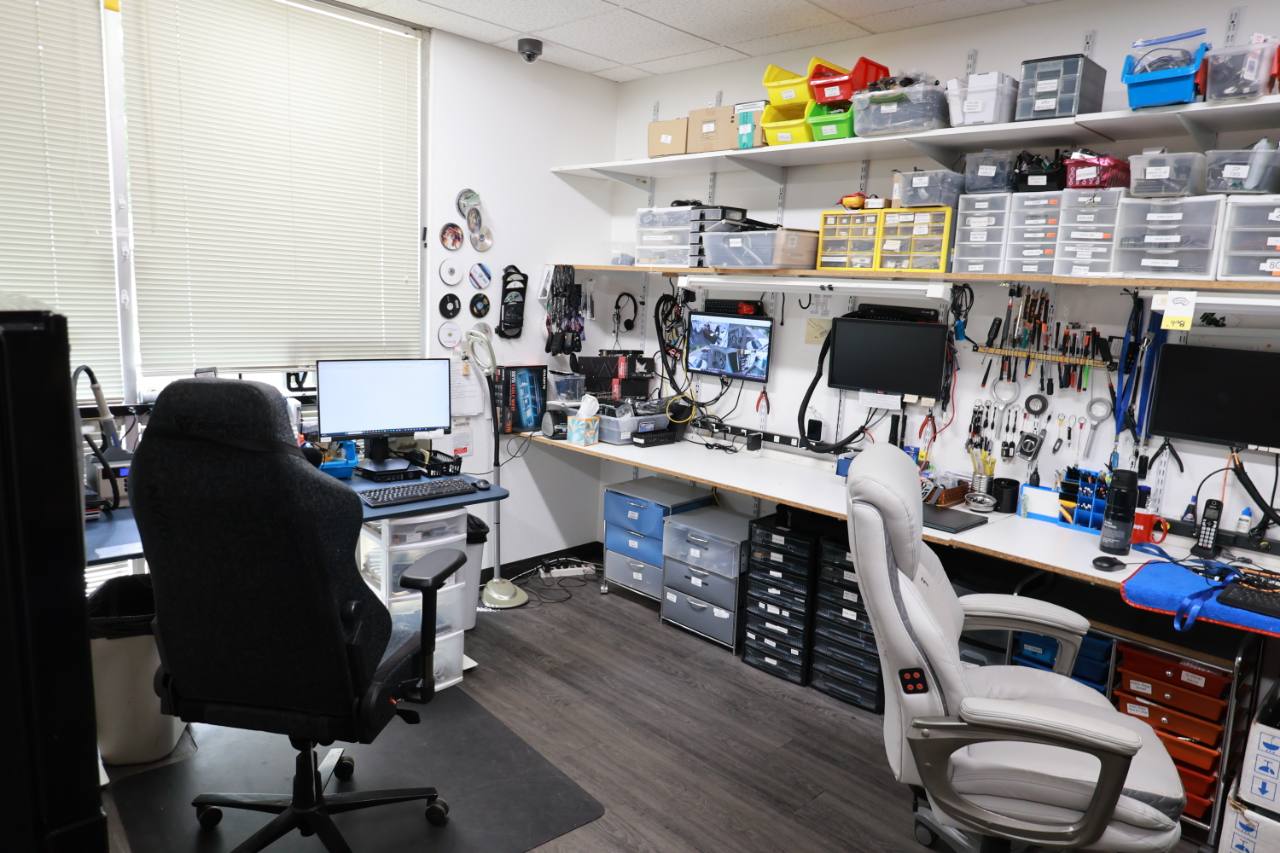
Local Computer Support Since April 2009
i-5 Computers is an owner-operated Vancouver, Washington shop serving customers throughout Clark County. Darren explains compatibility, file-transfer considerations, and the difference between repairing, upgrading, or reinstalling the system.
The goal is a practical configuration that fits how you use the computer—not an unnecessary change for its own sake.
1801 D St #6, Vancouver, WA 98663Related Computer Services
Operating System FAQs
i-5 Computers can discuss installation and setup options for Windows, macOS, and Linux. The available path depends on the device, hardware support, licensing, and the applications you need.
Sometimes, but not always. Performance also depends on storage, memory, background software, heat, and hardware condition. A diagnostic or hardware upgrade may be more useful when the operating system is not the bottleneck.
Accessible documents and other user files may be transferable, but the approach depends on drive health and the old and new systems. Discuss important data before installation begins.
No. Older applications, specialized hardware, printers, and accessories may have compatibility limits. List essential programs and devices so they can be considered during planning.
Not automatically. A no-boot condition can come from storage, memory, power, startup files, or another component. Testing first helps avoid erasing data or reinstalling onto failing hardware.
Operating System Help · Vancouver, WA
Tell Darren which system you use, what is going wrong, and which files and applications matter. i-5 Computers can help map the next step.