
Slow Startup
An older or unhealthy storage drive, a crowded startup routine, or limited system resources may delay boot and loading times.
Faster. Cooler. More Capable.
A well-chosen upgrade can make an existing computer faster, more responsive, and more useful. i-5 Computers helps Vancouver and Clark County customers identify the improvements that will deliver a meaningful result.
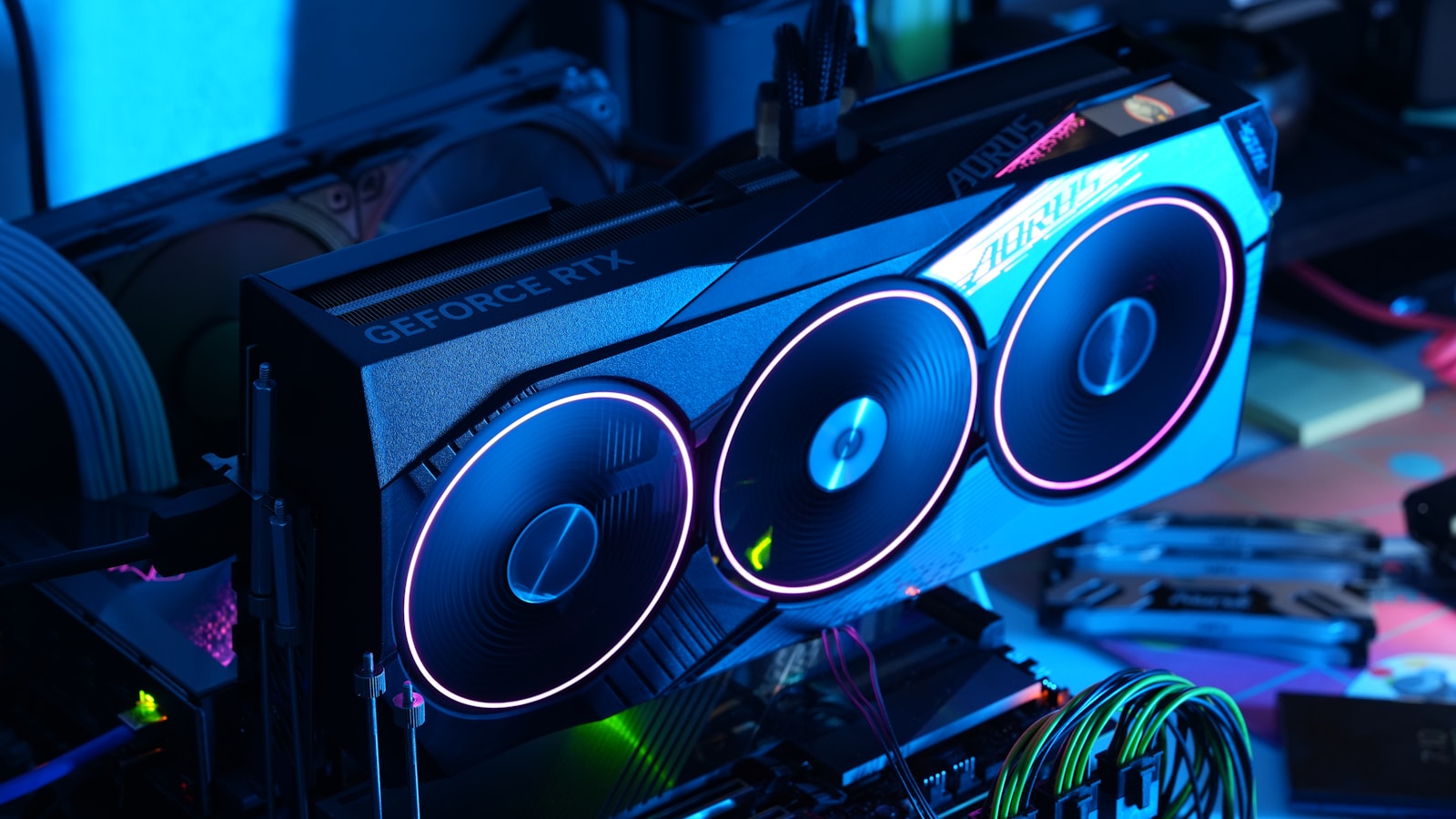
Upgrade Before You Replace
A new computer is not always the best answer. If your current system is compatible and otherwise dependable, targeted upgrades may improve startup time, multitasking, storage capacity, gaming performance, temperature, or overall responsiveness. Before recommending parts, we evaluate your computer, how you use it, and the performance problem you want to solve.

Symptoms Point to the Next Test
The same symptom can have several causes. These patterns can help narrow the possibilities, but testing is the best way to confirm the actual bottleneck before purchasing parts.
An older or unhealthy storage drive, a crowded startup routine, or limited system resources may delay boot and loading times.
Too little RAM, storage pressure, or a processor limit may cause pauses when several applications are open.
The GPU, CPU, memory, drivers, game settings, or system temperatures may be restricting performance.
A nearly full drive can limit updates and everyday use; cleanup, expansion, or a larger SSD may be appropriate.
Heat, airflow, cooling, power delivery, or sustained CPU and GPU demand may cause performance to fall over time.
Target the Real Bottleneck
Improve startup, application-loading, and file-access times.
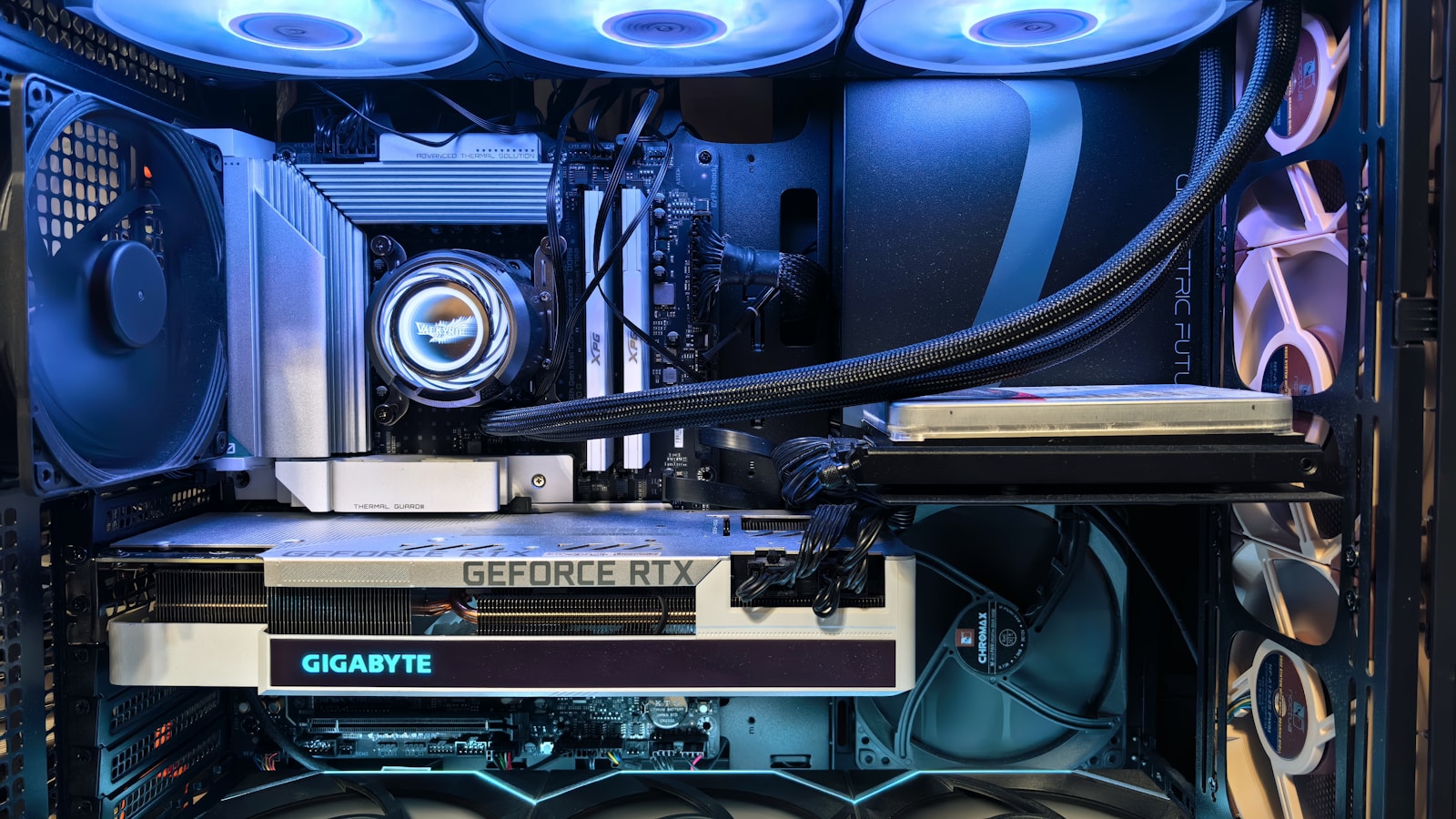
Add RAM for smoother multitasking and demanding applications.

Improve gaming frame rates, visual quality, and supported creative workloads.
Add space for games, photos, videos, business files, and backups.

Address heat, excessive fan noise, and performance throttling.
Support compatible graphics cards and other new hardware.

Improve compatibility, security, and stability where appropriate.
Review thermals, drivers, startup programs, and system settings.
The Right Parts for Your System
Not every component fits every computer. Form factor, power requirements, motherboard support, cooling clearance, firmware, and operating-system compatibility all matter. We check these details before recommending an upgrade so you can avoid buying parts that will not deliver the expected result.
Practical Options for Different Computers
We work with everyday home computers, business systems, gaming PCs, and compatible Mac models. Recommendations are based on the machine’s design and realistic upgrade options—not on selling the most expensive component.
Improve the speed and usefulness of compatible home systems.
Support reliable multitasking, storage, and everyday productivity.
Target the component limiting frame rates, thermals, or responsiveness.
Review model-specific options before purchasing parts.
Vancouver Shop · Clark County Service
Have your upgrades installed at the Vancouver shop and return to the same local team if you need help later. i-5 Computers serves customers throughout Clark County with clear explanations and practical recommendations.
Upgrade Questions
In many systems, replacing an older mechanical hard drive with an SSD can noticeably improve startup and application-loading times. We can confirm compatibility first.
No. Upgrade options depend on the model, internal design, available connections, power supply, and supported hardware. An evaluation can determine what is practical.
That depends on what is limiting performance. RAM often helps multitasking, while a graphics card is more important for many games and visual workloads. We diagnose the bottleneck before recommending parts.
Startup time, memory use, storage health, temperatures, and performance under load can provide clues, but symptoms often overlap. Computer diagnostics can identify the likely bottleneck before you buy parts.
A custom PC may be worth comparing when several core parts need replacement, the current system restricts compatible upgrades, or your performance goals exceed its practical upgrade path.
Tell us what feels slow or what you want your computer to do better. We will help you choose an upgrade that delivers a real benefit.